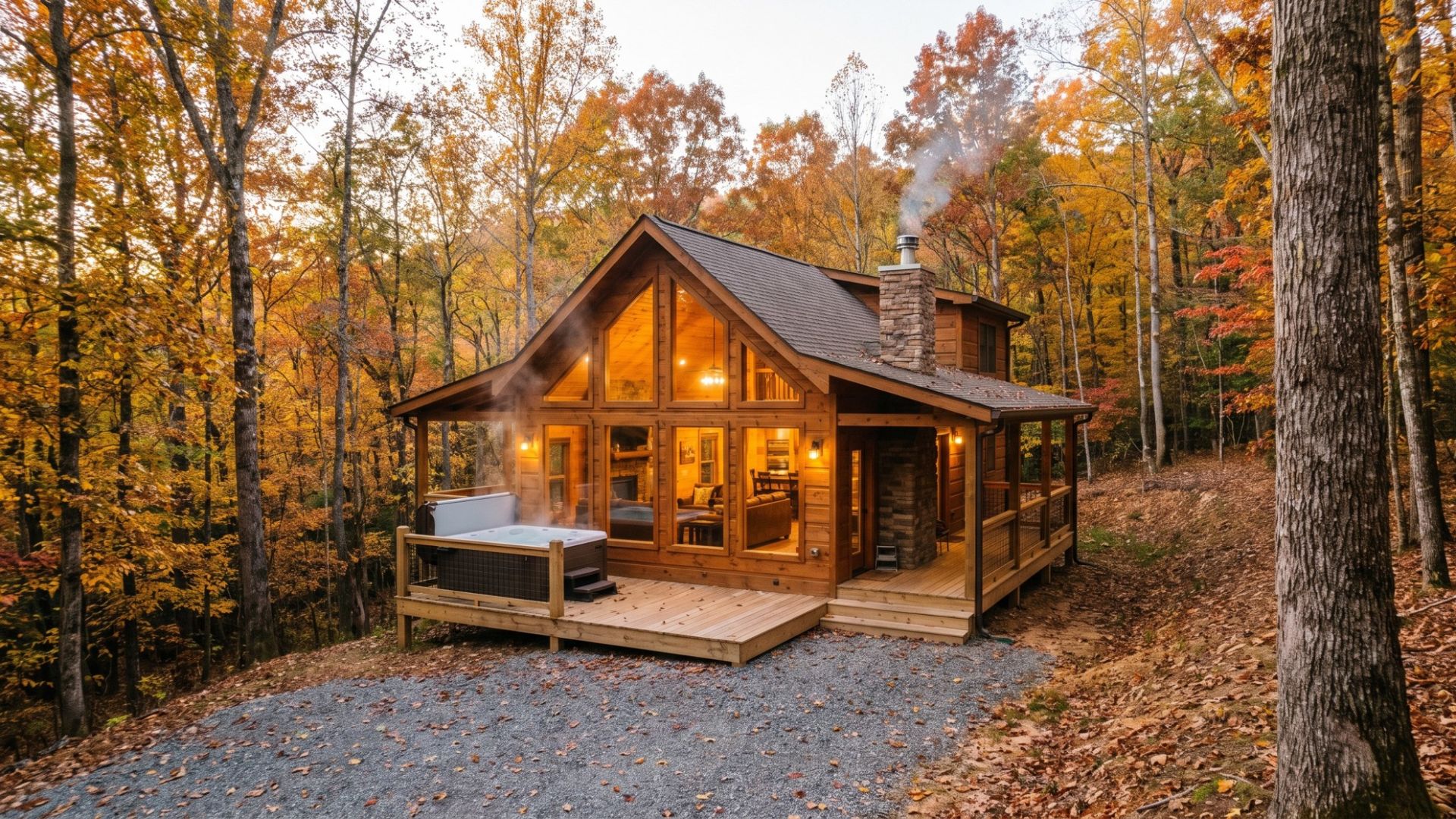
You manage a cabin, or you own one, and the cable company stops a mile short of the driveway. Guests still expect to stream, take video calls and message you the minute something will not load, so the internet decision is really a booking and review decision.
This guide compares the real options for a vacation rental with no good wired service, shows where each one breaks, and explains when a plug-in 4G/5G router is the simplest answer. It also names the cases where something else wins.
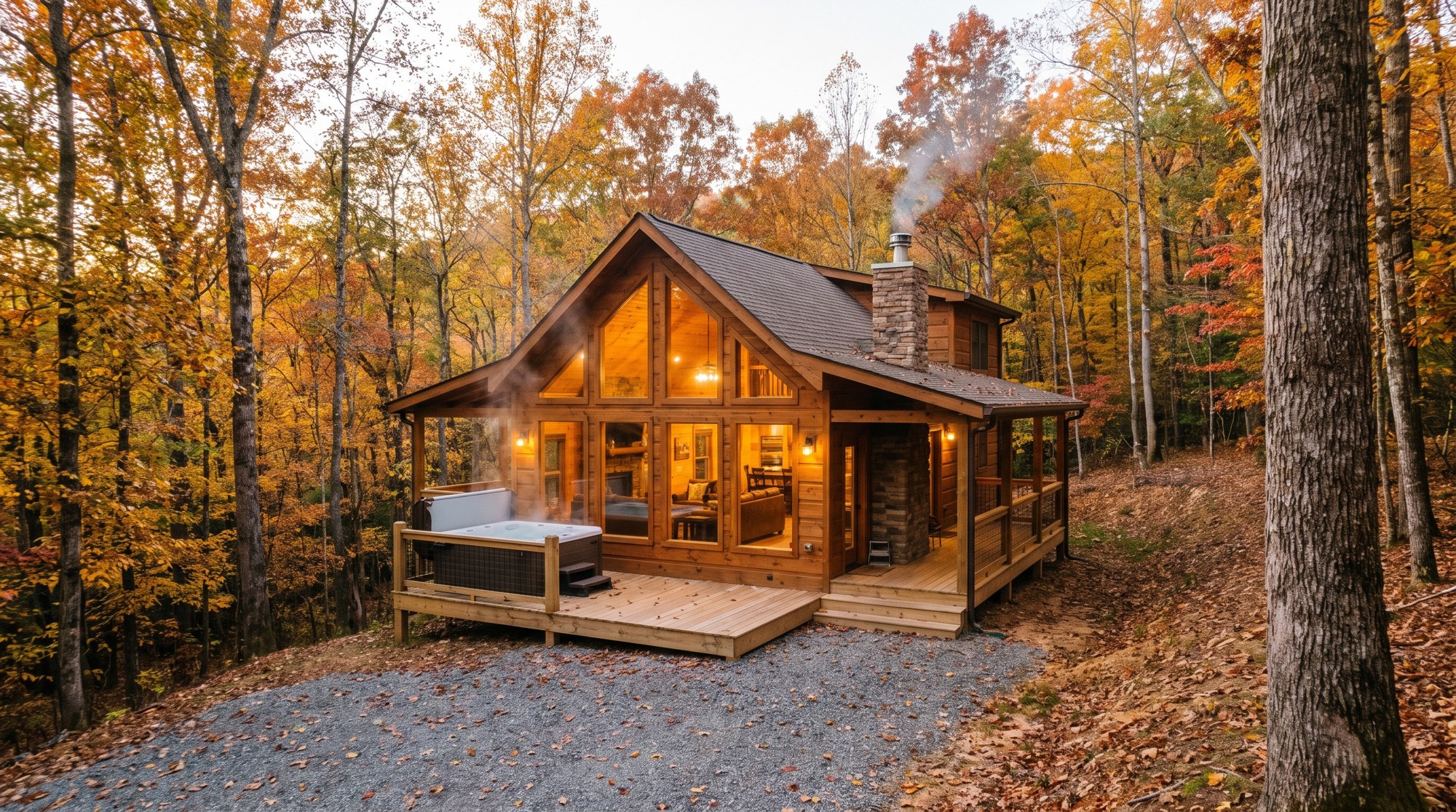
Why does WiFi matter so much for a cabin rental?
Airbnb lets guests filter by internet, and its help center says a listing that adds internet or wireless internet as an amenity appears when guests search for it. Hosts can also run a WiFi speed test in the Airbnb app while standing at the property, and Airbnb highlights listings at 50 Mbps or above as having fast wifi. Airbnb also says the host is responsible for making sure the speed shown on the listing is accurate.
That makes your connection both a selling point and a liability. A listing that promises fast WiFi and delivers a buffering wheel gets reviewed on it. A cabin where the connection works, and where you can prove it, wins the remote workers and families that other cabins lose.

What are your internet options at a cabin with no cable?
Start with what actually reaches the address. The FCC National Broadband Map lets you search by address to see which providers report service there. Treat it as a starting point, then verify with a real test, because reported availability and real performance on a wooded hillside are not always the same.
| Option | Where it works | Where it breaks |
|---|---|---|
| Fiber or cable | Anywhere it is available. Fast and stable, with no cell signal needed. | Often not available at remote cabins, and extending lines can mean waiting and construction costs. |
| Local DSL or fixed wireless | Where a local provider reaches your address and cable does not. | Speeds vary a lot by address. Ask what customers near you actually get. |
| Satellite dish | Cabins with no cell service and a clear view of the sky. | Needs open sky, a mounting spot and power. Trees and slopes are the usual problem. |
| Home 5G or 4G (T-Mobile, Verizon) | Cabins whose address qualifies. Often the lowest monthly price. | Tied to the approved service address, and availability is decided address by address. |
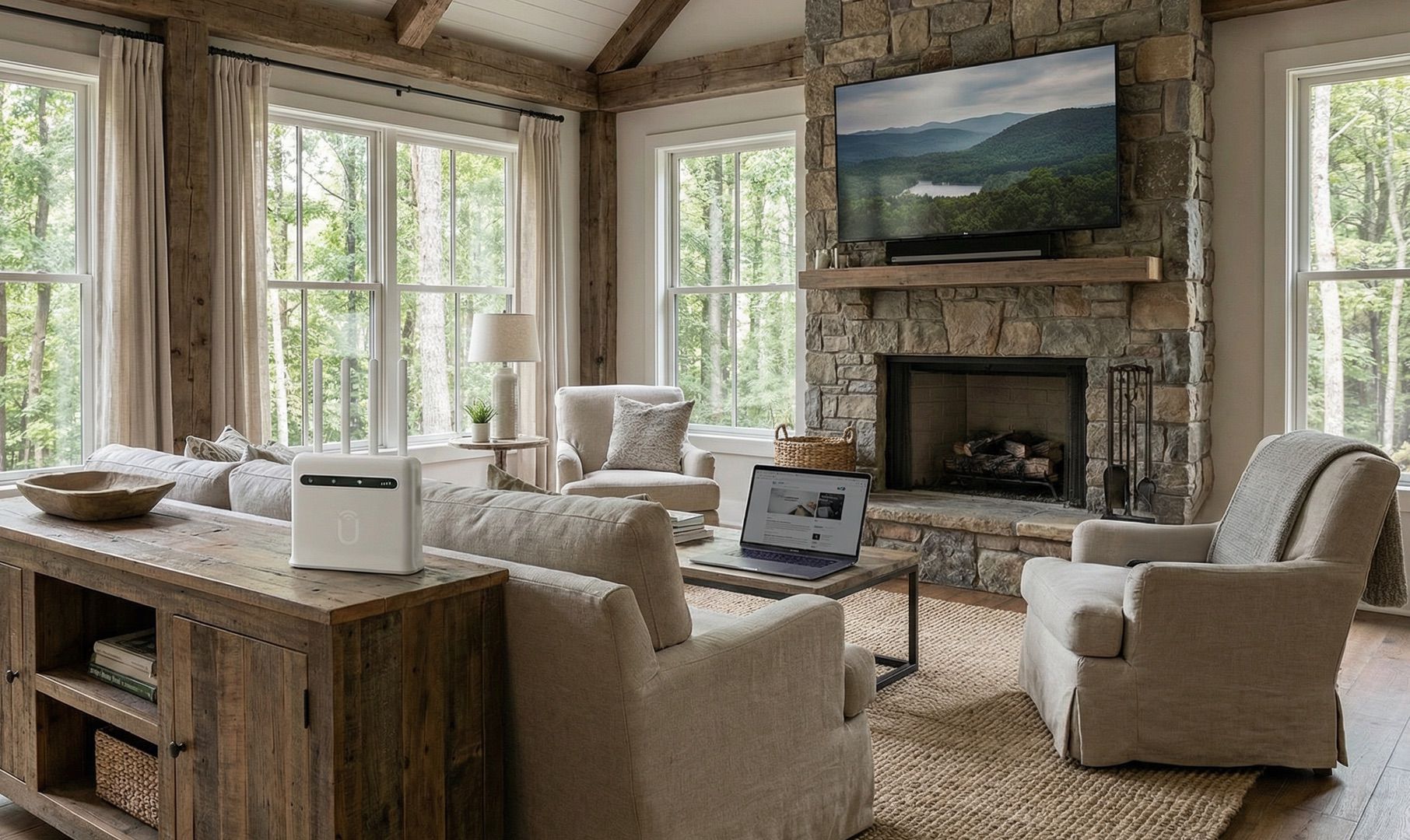
| Portable 4G/5G router (Unlimitedville) | Cabins with a good cell signal and no wired option. Plug in and go. | Needs a usable cellular signal at the property. Speeds vary by location. |
| Guest or host phone hotspot | A short test, or an emergency. | Hotspot data tiers and throttling make it a poor fit for guests. |
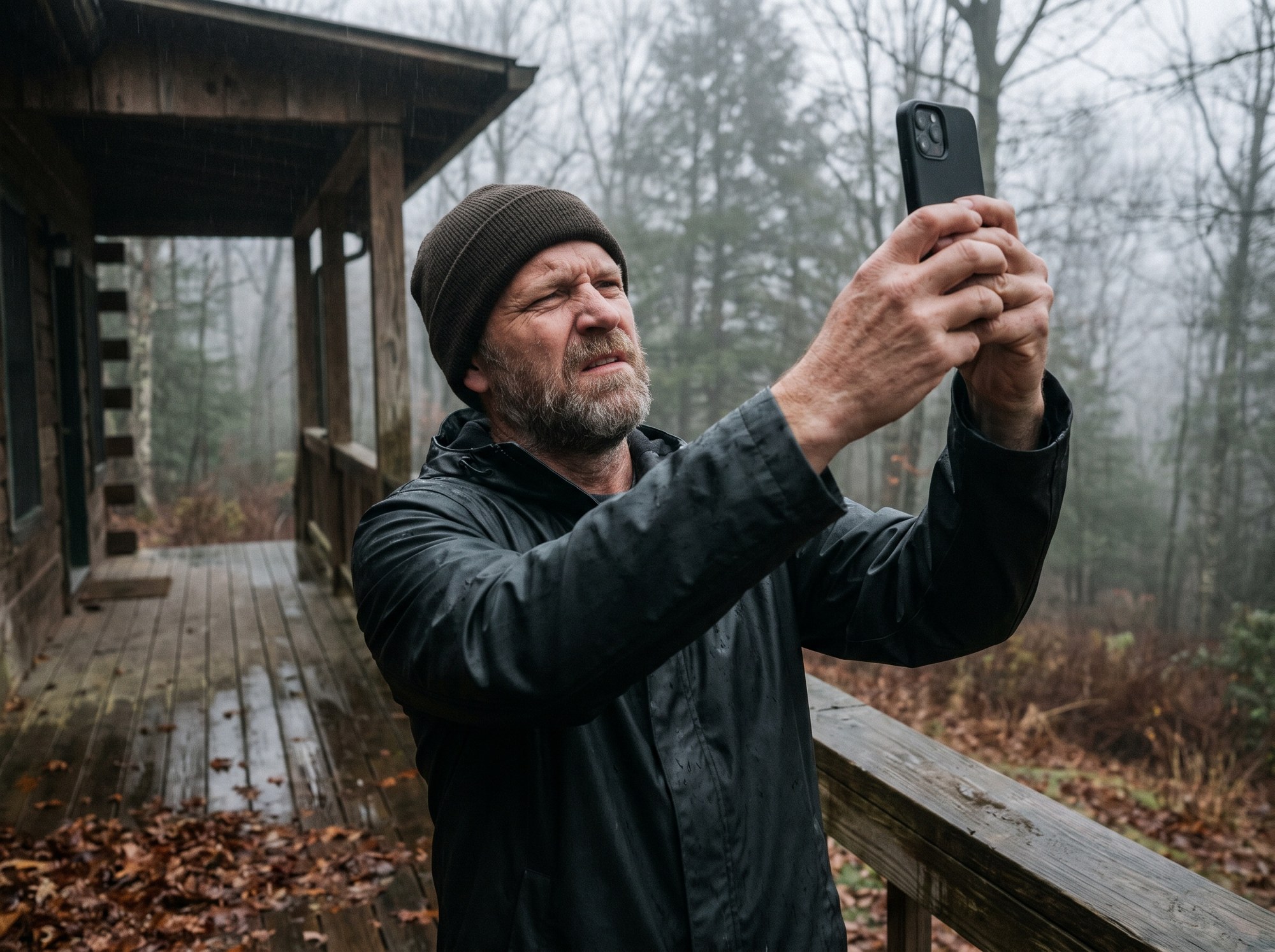
One test decides a lot of this. If a phone has no usable signal on the porch and inside the living room, nothing cellular will rescue the property, and satellite or a local wired provider is the honest answer.
Can you use T-Mobile or Verizon home internet at a rental cabin?
Sometimes, and when it works it is often the cheapest route. The catch is the address. T-Mobile's Home Internet FAQ says its Rely, Amplified and All-In plans are eligible for use at only the approved home address and may be restricted away from it. Verizon's 5G Home agreement says that the service is to be used exclusively at the address you provided in your order, and that Verizon may terminate or modify service used at a different address.
So if your cabin address qualifies and the equipment stays there, a home plan can be a strong, low-cost choice. It breaks down when the cabin is outside the eligible footprint, when you own more than one property and want to move the gear, or when a residential plan is carrying commercial guest traffic. For business needs, T-Mobile's own FAQ points customers to a store to find the best option for a business, so ask about rental use before you build a guest experience on a residential plan.
Is Starlink a good idea for a vacation rental cabin?
Starlink is the right call when the cabin has no cell service and an open view of the sky. Satellite does not care how far you are from a tower, and no cellular router can match that in a true dead zone.
The trouble is the cabin lot itself. A dish needs a clear view of the sky, and cabins sit in trees, on slopes and in hollows, where sky view is the first thing you give up. Mounting also means a pole, roof or ground mount that has to be placed, powered and kept in place between guests. Our guide to RV internet under trees explains why tree cover is such a common complaint, and the same physics applies to a wooded cabin lot. For a broader comparison, see Starlink vs. 4G/5G home internet.
When does a portable 4G/5G router make sense for a cabin?
A plug-in cellular router is the better fit when the situation looks like this:
- The cabin gets a good cell signal but has no usable cable or fiber.
- You do not want an installer visit, a roof mount or a dish to aim.
- You manage more than one cabin, or you want the option to move the equipment.
- You want to test the connection at the real property before committing.
Unlimitedville runs on 4G LTE and 5G. You plug the router into a wall outlet, and setup takes about 5 minutes with no technician visit. There is no data cap, and the router stays Unlimitedville property for the life of your membership, so there is no hardware to buy or configure. The business page describes the service as one portable router, one plan, every location. The 5G Ultra router is rated IP65, and the site lists support for 250+ device connections.
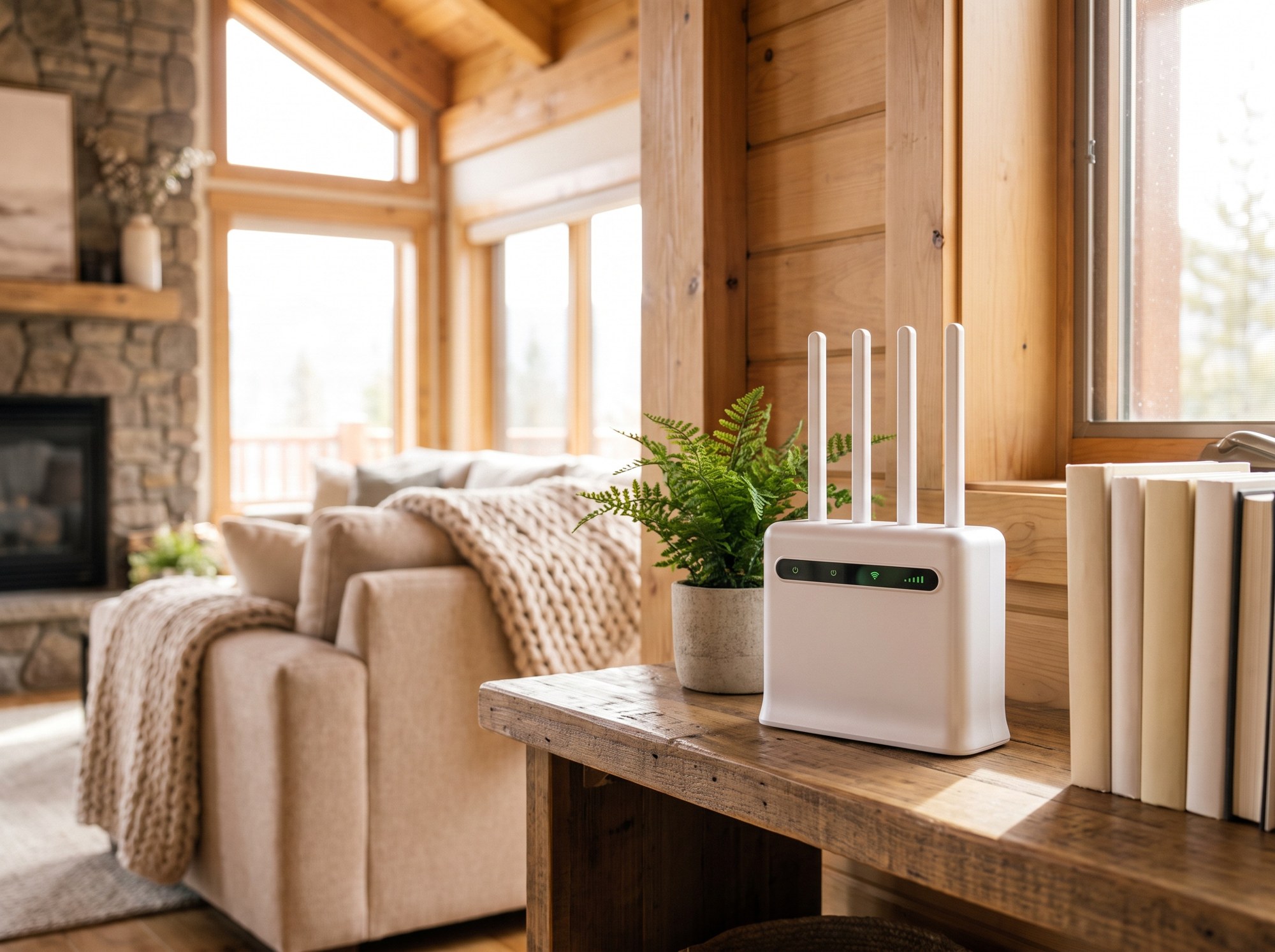
The limits are real. It needs cell signal at the property, and speeds are listed as up to 250 Mbps on 4G Plus and up to 500 Mbps on 5G Ultra, varying by location and network conditions. Test before you promise guests a number. Because rental use is different from a household, call 888.422.2907 and tell the team it is for a rental property before you order.
How do you test cell signal at a cabin before you commit?
- Check the address on the Unlimitedville coverage page and the FCC map to see who reports coverage.
- Stand in the room where the router will sit, not just in the driveway. Check signal on phones from more than one carrier if you can.
- Run speed tests at different times of day, including a weekend evening when the area is full.
- Try the window side of the cabin. Stone, thick logs and metal can weaken signal indoors.
- Use the trial window. Unlimitedville gives you 21 days from the day you receive your equipment. If it does not work, you return the equipment and get your first month, the activation fee and the original shipping charge back.
How do you set up cabin WiFi so guests stop messaging you?
- Place the router high and central, away from the fireplace stone and large metal appliances.
- Use a simple network name and put the password in the guidebook. Airbnb advises including case-sensitive letters, spaces, dashes and special characters exactly as they are.
- Run the speed test in the Airbnb app at the property and publish the real number, since you are responsible for its accuracy.
- Leave a short printed note on how to restart the router.
- Plan a second path. At a property you cannot reach in five minutes, an independent cellular connection works as failover. Our guide to backup internet for working from home explains how that works, and the failover page covers the details.
What does internet for a vacation rental cabin cost?
| Plan | Monthly price | Speed | Data |
|---|---|---|---|
| 4G Plus | $99 | Up to 250 Mbps | Unlimited |
| 5G Ultra | $119 | Up to 500 Mbps | Unlimited |
Both plans have a one-time $99 activation fee. Speeds vary by location and network conditions, and the plans page lists current pricing. A home plan from a big carrier can cost less at an eligible address. The trade is that Unlimitedville is not tied to one address, has no data cap, and arrives ready to plug in.
Frequently asked questions
What is the best internet for a vacation rental with no cable?
It depends on what reaches the property. Fiber or cable is the best answer if it is available at your address. If there is no wired service but the cabin has a good cellular signal, a plug-in 4G/5G router is the simplest fix because there is nothing to mount or install. If the cabin has no cell service at all, satellite is the honest answer, provided the dish has a clear view of the sky.
How fast should WiFi be at an Airbnb cabin?
Airbnb highlights listings that test at 50 Mbps or above as having fast wifi. Lower speeds handle basic browsing and messaging, while HD or 4K streaming and video calls need more. Run the speed test in the Airbnb app at the property, on the network guests will use.
Can I use T-Mobile or Verizon home internet at a vacation rental?
Possibly, if the cabin address is eligible. T-Mobile says its Rely, Amplified and All-In plans are eligible for use at only the approved home address, and Verizon says 5G Home is to be used exclusively at the address provided in the order. For business or rental use, ask the carrier directly before you depend on a residential plan.
Will Starlink work at a cabin in the woods?
Only if the dish has a clear view of the sky. Trees, slopes and hollows are the usual problem at cabin lots. If you can place the dish where it sees open sky, Starlink works with no cell service. If you cannot, a cellular router is usually easier.
Can an unlimited cellular plan handle guests streaming all weekend?
Unlimitedville plans have no data cap, so there is no usage threshold to hit. Speed still depends on signal strength and network conditions at the property, so test at the cabin during a busy evening. The 21-day trial starts when you receive your equipment, which gives you time to test before you commit.
Can I move one router between two cabins?
Unlimitedville describes its service as one portable router, one plan, every location, so it is not tied to a single service address. Because rental use differs from a household, call 888.422.2907 and tell the team the router is for a rental property before you order.
Ready to check your cabin?
Look up the cabin address on the coverage page, then pick a plan on the plans page. Orders ship within 24 hours, setup takes about 5 minutes, there are no data caps, and the 21-day money-back trial lets you test at the real property before you commit.