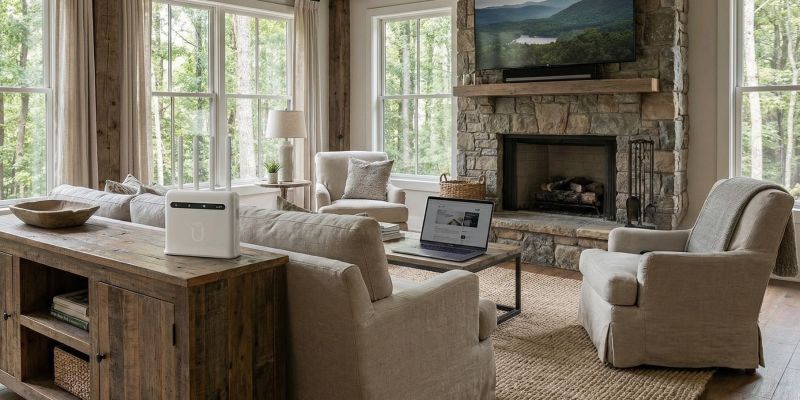
Your internet goes out ten minutes before a client call, and your phone is the only thing standing between you and a missed deadline. If you work from home, run a small shop, or depend on a cloud app all day, a backup connection is not a luxury. It is protection against a bad afternoon.
This guide compares the real options, says where each one falls short, and shows how to set up a backup that switches over without you doing anything.

How do I get backup internet for working from home?
Add a second connection that reaches your house by a different path than your main line, and put it on battery power. For most people that means a dedicated cellular router, which runs on a mobile network instead of your cable or fiber line. A phone hotspot works as a stopgap, and satellite works where there is no cell signal.
The key idea is independence. If your backup travels through the same wire, pole, or neighborhood equipment as your primary connection, it fails at the same moment.
What are your backup internet options?
Here is how the common choices compare for someone who has to stay online to earn a living.
| Option | Setup | Cost | Main weakness | Best for |
|---|---|---|---|---|
| Phone hotspot | Seconds | Free if your plan includes it | Allowance limits, possible slowdowns, battery drain | Short outages, light work |
| Second wired line | An install appointment | A second monthly bill | Can fail in the same storm or the same dig | Offices with a second provider on a different route |
| Satellite (Starlink Standby Mode) | Dish, mount, clear sky | $10 a month for 500 Kbps standby, full service costs more | Needs sky view and mounting; standby is too slow for video | Places with no cell signal at all |
| Dedicated cellular router | 5 minutes, no install | $99 or $119 a month, unlimited data | Needs decent cell signal at your address | Home offices, small shops, remote work |
| Coffee shop or coworking | Leave the house | Varies | You have to leave, and so does your call | A last resort |
Is a phone hotspot good enough for backup internet?
For a short outage, yes. For a full workday on video calls, usually not. Most phone plans include a limited high-speed hotspot allowance, and speeds can drop once you use it up. Check the hotspot terms on your own carrier plan page rather than assuming your plan is unlimited for tethering.
There is also the battery. Hotspot mode keeps your phone working hard, which means heat, drain, and a phone you cannot easily use as a phone. If you rely on it every few months, a dedicated device is worth the upgrade.
Why is a second wired line not real backup?
A second cable or fiber account feels safe, but it often is not. Two lines can fail from the same storm, the same power outage, or the same crew with a backhoe. It also usually means another install appointment and another monthly bill for service you hope never to use.
A cellular backup avoids the problem. It reaches you over towers instead of the wire in your yard, so a cut line or a dead neighborhood cabinet does not take it down with the primary.
Does Starlink make sense as a backup?
Sometimes, and it deserves an honest answer. If you have little or no cell signal where you live, satellite may be your only independent path, and that is where Starlink genuinely wins. It also has a low-cost Standby Mode. According to reporting on the May 2026 price changes, Standby Mode now costs $10 a month and keeps a minimal 500 Kbps connection active.
That is enough to keep a device registered and send a message. It is not enough for a video call, so you would still need to restore full service during an outage. The dish also needs a clear view of the sky and a place to mount it. If your yard is wooded or you rent, that gets complicated. For a closer look, see our comparison of Starlink vs. 4G/5G home internet.
How does cellular failover work?
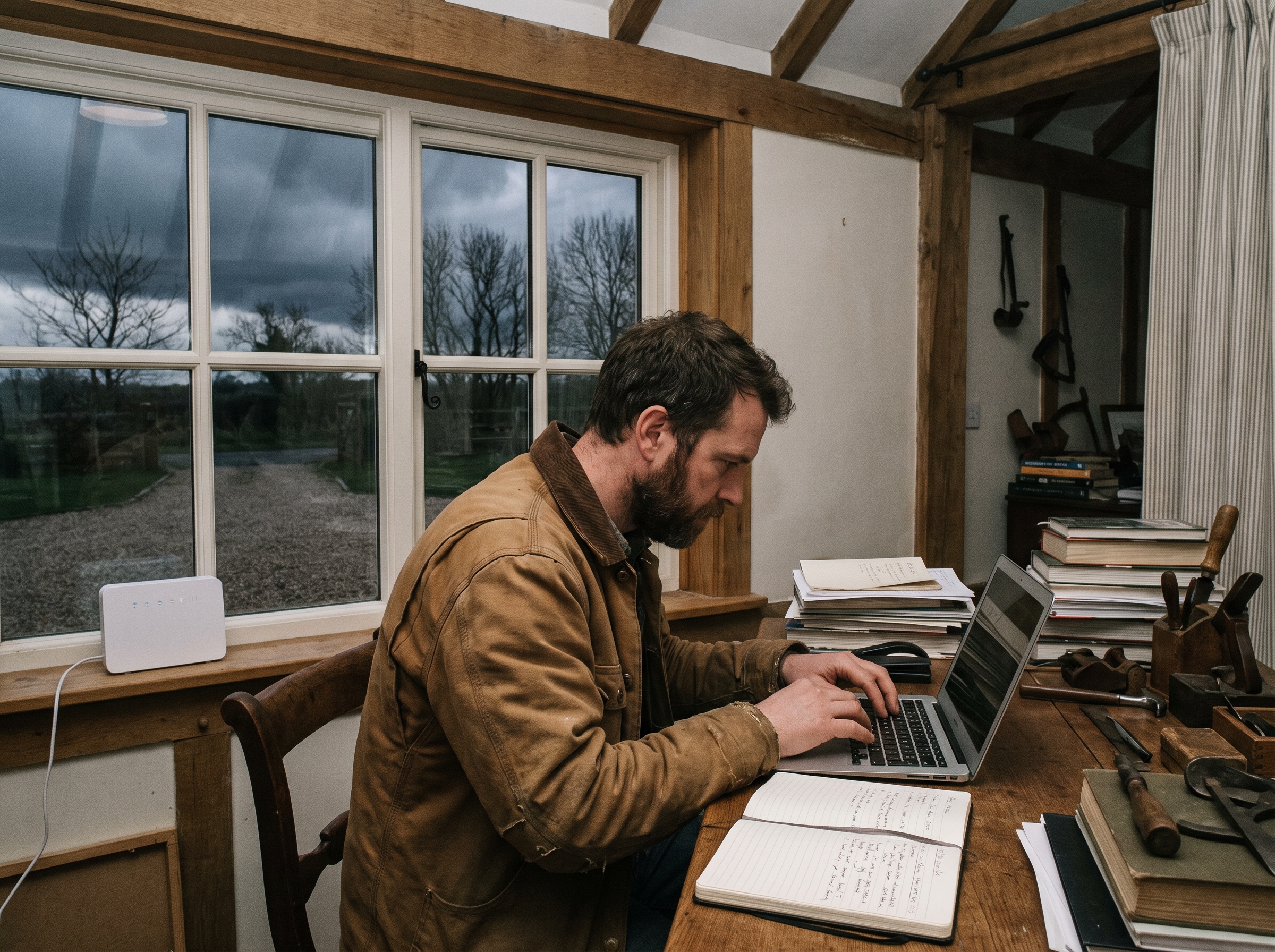
Failover means your router watches your main connection and shifts traffic to the backup when the main one drops. When the primary comes back, traffic shifts back. You do not unplug anything.
There are two ways to get there:
- Automatic: use a dual-WAN router, or configure your existing router to treat the cellular router as a backup gateway. Most routers support some form of failover, though the setup differs by model.
- Manual: keep the cellular router on and connect your work laptop to it when the main line fails. It takes seconds and needs no special router.
Be clear about what you are buying. The Unlimitedville router works standalone, and automatic switching depends on your router setup. With proper configuration, failover happens in seconds. Our failover backup page walks through the setup.
Will backup internet work during a power outage?
Only if everything in the chain has power. Your cable modem, fiber terminal, and router all go dark when the power does, and so does a cellular router unless it is on a battery. A small UPS (uninterruptible power supply) keeps the backup router and your main router alive for a while, and your laptop has its own battery.
The FCC and FEMA publish emergency communications tips that are worth a read before storm season. Whether local cell service stays up depends on conditions where you live, so test your backup before you need it.
What does a good backup setup look like for a small business?
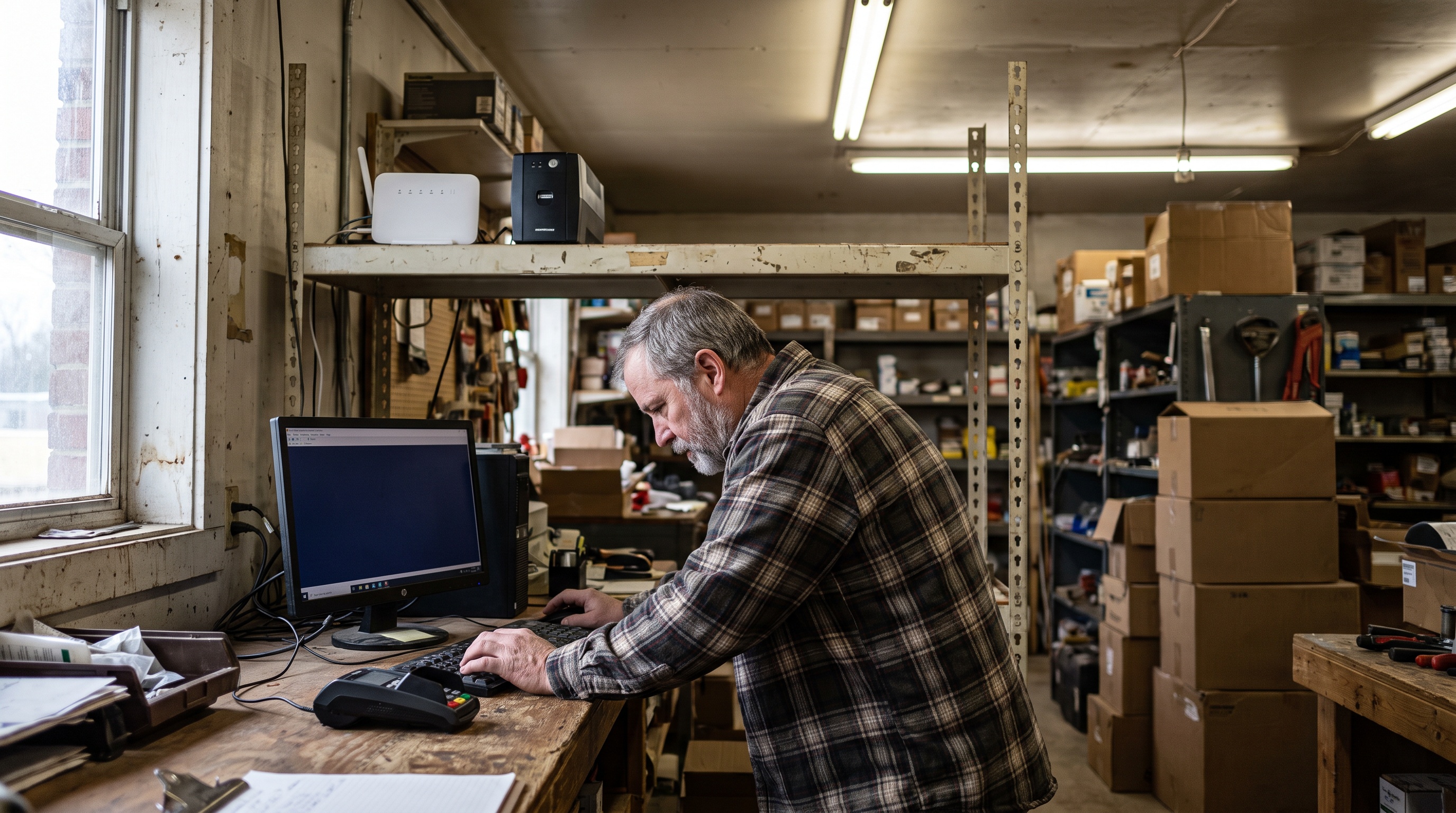
If your card reader, scheduling software, or phone system runs over the internet, downtime costs you sales, not just time. A cellular backup on a battery keeps a point of sale terminal running while the main line is down. Unlimitedville also builds portable service for shops, sites, and pop-ups; see our business internet page.
How do I set up backup internet in 30 minutes?
- Check coverage at your address on the coverage page before you order.
- Order a plan, and expect your equipment to ship within 24 hours.
- Plug in the router and wait for it to connect. Setup takes about five minutes, with no dish, no aiming, and no install appointment.
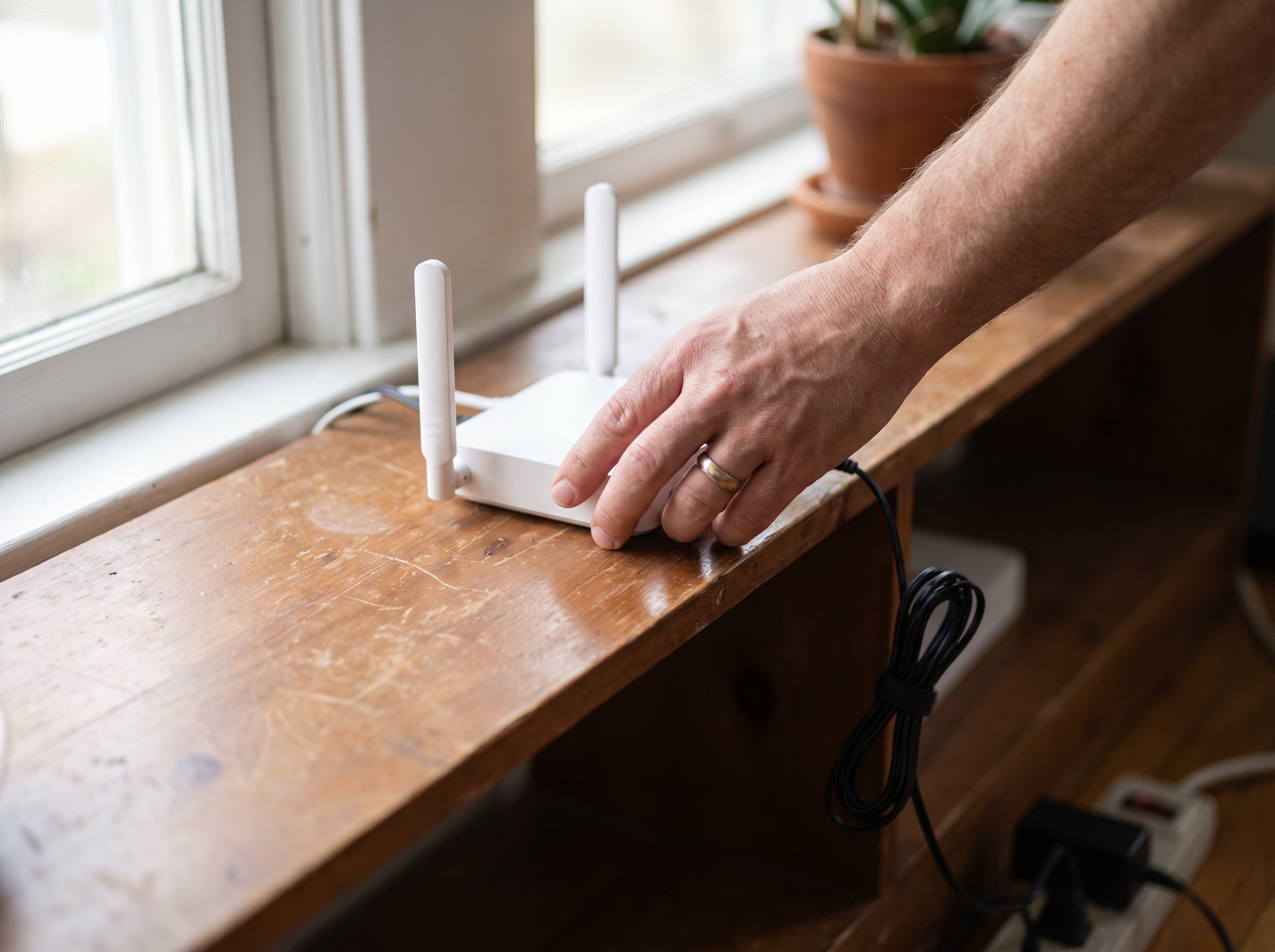
- Place it near a window or high on a shelf, and move it if the signal is weak. Placement matters more than people expect.
- Connect your laptop to the new network and run a test. Confirm a video call works.
- Plug the router and your main router into a UPS.
- If you want automatic switching, set up failover on a dual-WAN router or configure your existing router.
- Test it by unplugging your main line once. Know what happens before the real outage.
When is Unlimitedville the right backup, and when is it not?
Unlimitedville is a strong backup when you want something that works the day it arrives. There is no dish to mount, no install appointment, and no data cap to watch during a long outage. Plans are month-to-month, and the same router can come with you to a second home or a job site.
It is not the best answer everywhere. If you have no usable cell signal at your address, satellite is probably your only independent option. If you need contractual uptime guarantees for a large office, you will want a managed enterprise service. And if your needs are one short outage a year, your phone hotspot may be enough.
If you live where wired options are slow or limited, the backup might end up being your primary. Our guide to working from home with rural internet covers that case.
What does backup internet cost?
Unlimitedville plans are $99 a month for 4G Plus (up to 250 Mbps) and $119 a month for 5G Ultra (up to 500 Mbps), plus a one-time $99 activation fee. Data is unlimited, with no throttling or overage fees. Speeds vary by location and network conditions. Plans are month-to-month, and the equipment stays Unlimitedville property for as long as you are a member.
Compare that to what an outage costs you in missed work and missed calls. The FCC publishes a household broadband guide that helps you estimate the speed your work actually needs. You can see current plan details on the plans page.
Frequently asked questions
What is the best backup internet for working from home?
A dedicated cellular router on its own connection, plugged into a battery backup. It does not share a path with your cable or fiber line, it does not drain your phone, and it does not depend on a small hotspot allowance.
Can I use my phone hotspot as backup internet?
Yes, for a short outage and light work. The limits are the hotspot allowance on your phone plan, possible slowdowns after you use it, battery drain, and the fact that your phone is also your phone. Check your carrier plan page for the exact hotspot terms.
Will backup internet work during a power outage?
Only if the backup device has power. Your modem, router, and any cellular router all need electricity, so put the backup on a battery backup (UPS) and keep your laptop charged. Whether local cell service stays up depends on conditions where you live.
Does Unlimitedville support automatic failover?
The Unlimitedville router works standalone. Automatic switching needs a dual-WAN router, or your existing router configured to use it as a backup gateway. With proper configuration, failover happens in seconds.
How much does Unlimitedville cost as a backup connection?
Plans are $99 a month for 4G Plus and $119 a month for 5G Ultra, plus a one-time $99 activation fee. Data is unlimited, there is no contract, and a 21-day money-back guarantee starts when your equipment arrives.
Is Starlink Standby Mode a good backup?
Standby Mode costs $10 a month and keeps a minimal 500 Kbps connection active. That is enough for basic messaging, not for video calls. Starlink also needs a clear view of the sky, so it depends on where you can mount the dish.
Ready to stop worrying about the next outage?
Check coverage at your address, then pick a plan on the plans page. Your equipment ships in 24 hours, setup takes about five minutes, data is unlimited, and the 21-day money-back guarantee lets you test it with your own router and your own workday. If it does not fit, you send the equipment back.