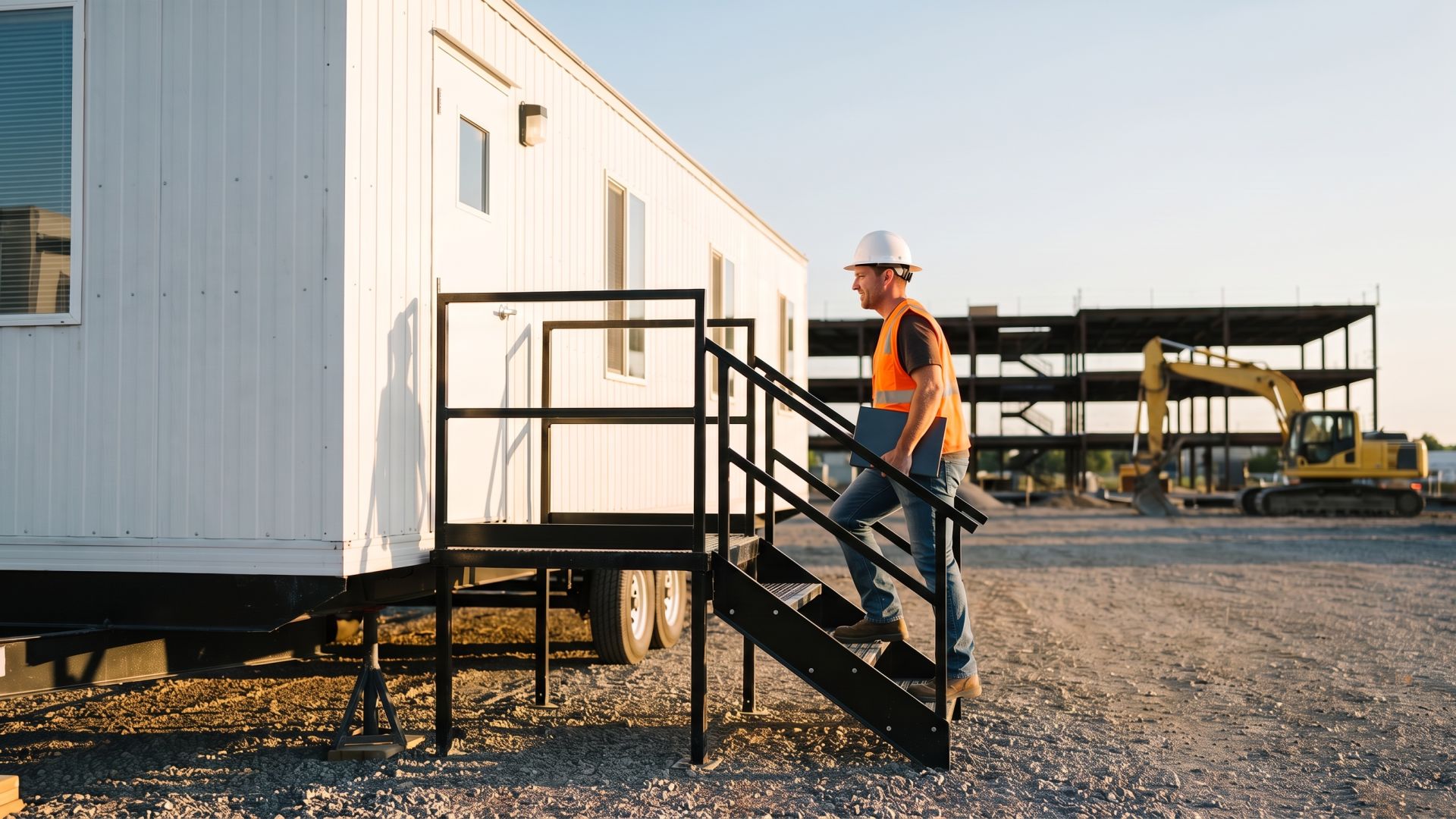
You have a job trailer, a set of drawings that changes every week, and a crew that needs to send photos, answer RFIs, and get on the 7 a.m. call with the owner. The wired line is weeks out, and by the time it shows up you will be packing for the next site.
This guide walks through every realistic way to get internet on a construction job site, what each one costs you in time and hassle, and the fine print that decides whether your connection can follow you to the next job.
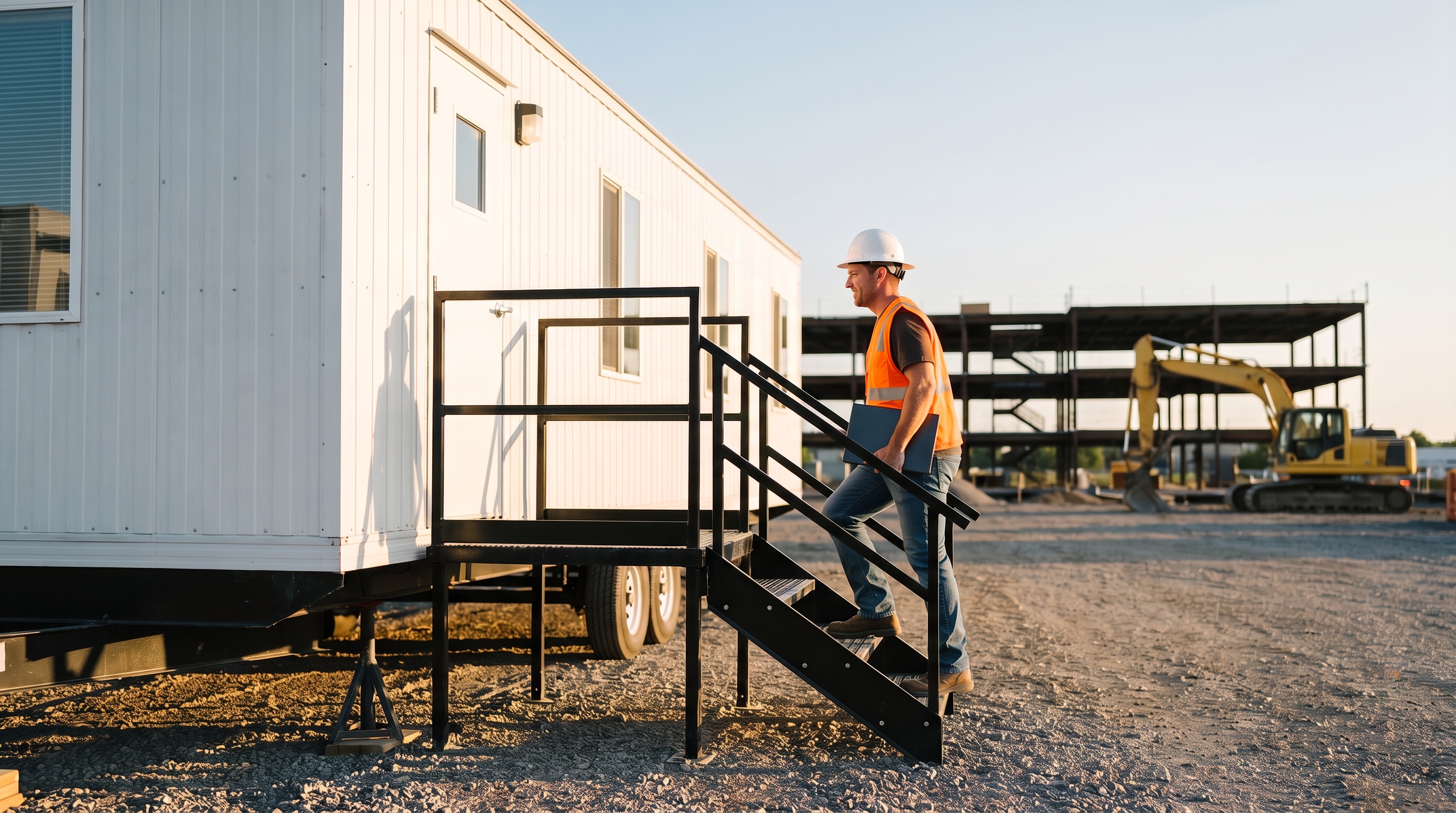
What is the fastest way to get internet at a construction job site?
If the site has usable cell coverage, the fastest option is a plug-in 4G/5G router. There is no trenching, no install appointment, and nothing to mount. You set it in the trailer, plug it into power, and connect laptops, tablets, printers, and cameras over WiFi.
If the site has no cell coverage at all, satellite is the realistic answer, and Starlink is the main option. It takes more setup and needs a clear view of the sky, but it works where towers do not reach.
A temporary wired line from a local provider makes sense mainly on long projects in areas that already have cable or fiber nearby. Lead times and construction charges vary a lot by provider and location, so call early if you want to go that route.
For most contractors, the real question is not just "what works here?" It is "what works here and at the next three sites without starting over?"
Job site internet options compared
| Option | Time to get online | Moves to the next site? | Data limits | What setup takes | Best fit |
|---|---|---|---|---|---|
| Temporary wired line (cable, fiber, DSL) | Depends on provider lead time | No. New order at each address | Usually none | Utility locate, drop, install visit | Long jobs near existing lines |
| Phone hotspot | Immediate | Yes | Many phone plans limit hotspot data separately | None | One person, light use, short visits |
| Carrier business 5G or LTE (T-Mobile, Verizon) | Days, after an address eligibility check | Tied to the address on the account | Varies by plan; some tiers have a monthly allowance | Gateway setup and address approval | A fixed shop, yard, or office |
| Starlink Local Priority | Shipping time, plus mounting | Yes, within the US | Priority data bought in blocks; slows to about 1 Mbps after | Dish mount, clear sky view, cabling | Remote sites with no cell signal |
| Unlimitedville 4G/5G router | Ships in 24 hours, about 5 minutes to set up | Yes. Same router, same plan | No data caps | Plug into power | Moving crews on sites with cell coverage |
Can you move business 5G internet to a new job site?
Usually not without going back through the carrier. Fixed wireless business plans are priced and provisioned for one location, and the fine print says so.
T-Mobile's business internet support page states the service is "For use only at location provided at activation." The same page notes that during congestion, customers on the plan "may notice speeds lower than other customers."
Verizon's business movers page tells customers not to move the gateway without calling support first, because "it may not work at that location." Some Verizon LTE Business Internet plans also list a 300 GB monthly data allowance.
To be fair, these plans are often the cheapest per month if you have one fixed office, shop, or equipment yard with good coverage. If that location never moves, they are worth pricing out.
The problem is the job trailer. Every move means a new eligibility check, a phone call, and a chance the new address does not qualify. For a crew that mobilizes three or four times a year, that adds up to lost days.
Is Starlink good for a construction trailer?
Starlink is the right call when the site has no cell service. Pipeline work, remote utility projects, and rural sites far from any tower are where satellite earns its keep. No cellular router, including ours, will work where there is no signal.
For business and mobile use, Starlink sells Local Priority plans. As of 2026, US pricing works out to about $55 a month for 50 GB of priority data and about $155 a month for 500 GB, according to the Mobile Internet Resource Center and other trackers. Once the priority data runs out, speeds drop to roughly 1 Mbps down until you buy more or the month resets. The Standard kit is listed from $349.
On a job site, the trade-offs are practical:
- The dish needs an unobstructed view of the sky. A rising structure, a crane, or a tree line can block it.
- It has to be mounted and cabled, and it sits outside where it can be damaged or walk off.
- Data planning matters if the crew uploads a lot of photos, video, or drone footage.
If you want a deeper side-by-side, see Unlimitedville vs Starlink and our guide to Starlink vs 4G/5G internet.
Can you run a job site off a phone hotspot?
For one person checking email, yes. For a trailer with a superintendent, a project engineer, a printer, and a couple of tablets, a hotspot falls apart fast.
- Many unlimited phone plans limit hotspot data separately from phone data and slow it down after a set amount.
- The phone has to stay in the trailer, which means it is not in your pocket.
- Running a phone as a router all day drains the battery and heats it up.
- When you leave the site, everyone else loses internet.
A hotspot is a good backup. It is a poor primary connection for a job trailer.

Where a plug-in 4G/5G router fits best
This is the gap Unlimitedville is built for: crews that move, on sites that have cell coverage, who do not want to re-order internet every time they mobilize.
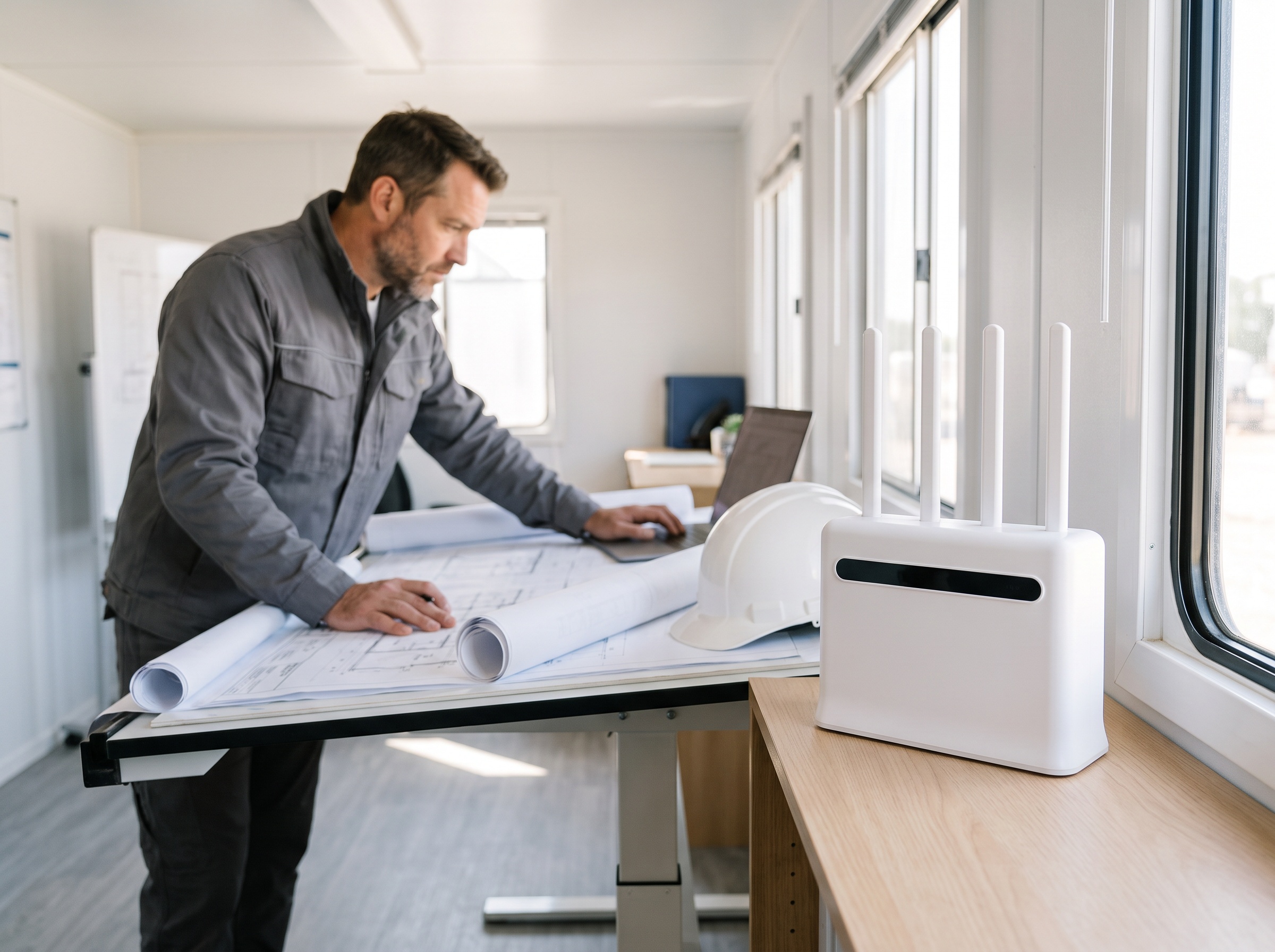
- Plug in and go. The router ships within 24 hours and takes about 5 minutes to set up. No install appointment, no dish to aim, no cable to run.
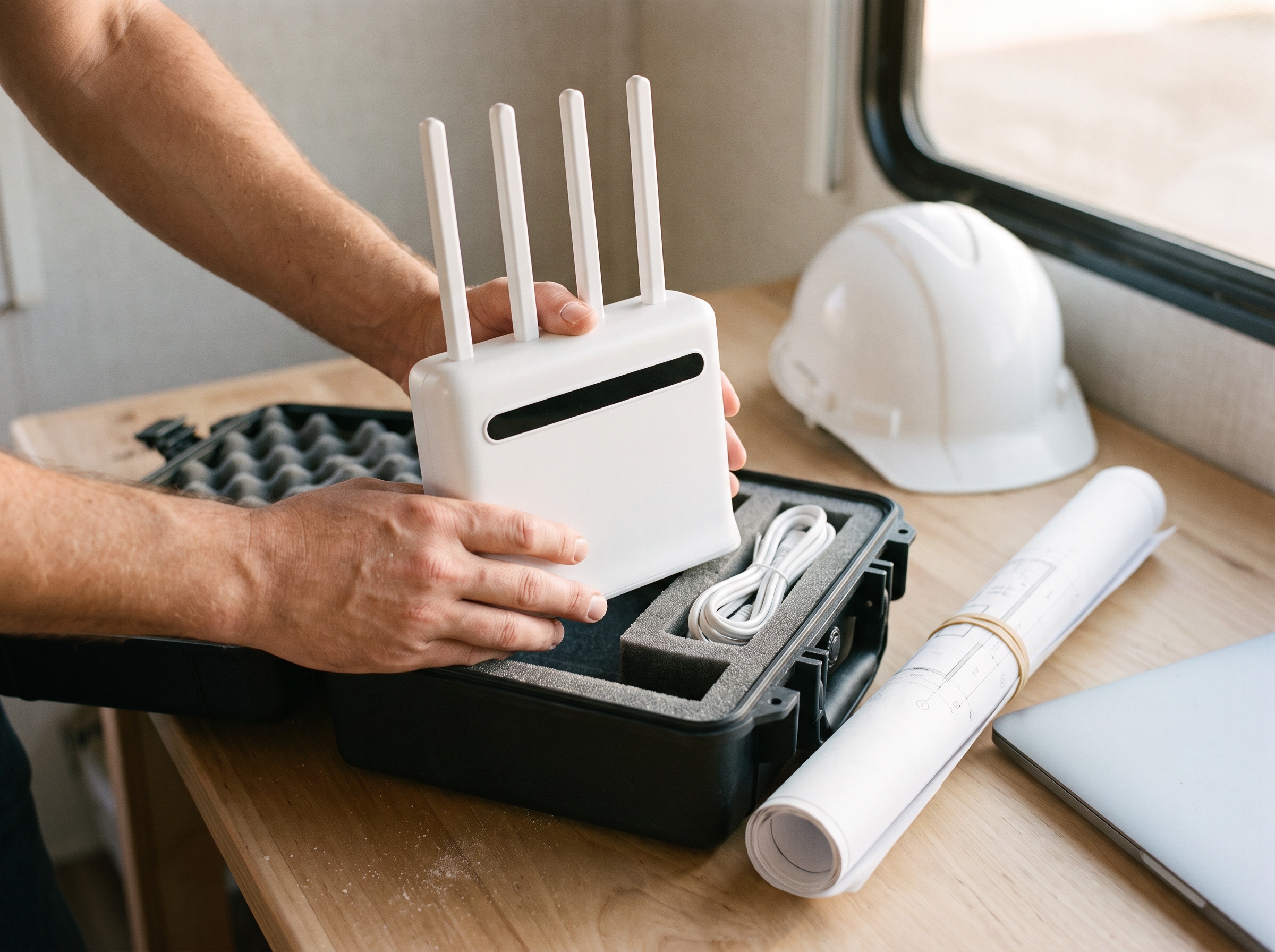
- It moves with the job. When the job ends, unplug the router, take it to the next site, and plug it in. Same router, same plan.
- No data caps. Every plan includes unlimited data, so photo uploads, plan sets, and video calls do not run you into a throttle.
- Built for a full trailer. The routers support 250+ simultaneous connections, so laptops, tablets, printers, and site cameras can share one connection.
- Ready for rough conditions. The 5G Ultra router is IP65 weatherproof and runs on 12V or 110V power.
- Hardware chosen for you. The router arrives ready to use and connects automatically to the strongest available signal on major nationwide 4G LTE and 5G networks. No SIM shopping, no APN settings.
- Month to month. No contracts, no credit check, and you can cancel anytime.
For multiple trailers or a fleet of trucks, see Unlimitedville for Business or call 888.422.2907 for multi-device pricing.
What does job site internet cost?
Prices change, so check before you buy. Here is how the main options compare on a monthly basis right now.
| Option | Monthly | Up front | Watch for |
|---|---|---|---|
| Unlimitedville 4G Plus | $99/mo, up to 250 Mbps | $99 activation | Speeds vary by location and network conditions |
| Unlimitedville 5G Ultra | $119/mo, up to 500 Mbps | $99 activation | Best where 5G is available; also uses 4G |
| Starlink Local Priority | About $55 (50 GB) to $155 (500 GB) | Kit from $349 | Slows to about 1 Mbps after priority data |
| Carrier business 5G or LTE | Often lowest at a fixed address, with bundle conditions | Varies | Tied to the activation address |
| Temporary wired line | Varies by provider | Install and construction charges vary | Lead time and a new order at each site |
The hidden cost on a job site is rarely the monthly bill. It is the afternoon your PM spends on hold with a carrier, or the week the trailer runs on someone's phone because the new address did not qualify.
Job site internet checklist before you mobilize
- Check carrier coverage at the site on the FCC National Broadband Map. Use the Mobile Broadband tab and the outdoor stationary view.
- Run the site address through the Unlimitedville coverage check.
- Walk the site with your phone and note where signal is strongest. Put the trailer, or at least the router, at that end.
- Set the router up high, near a window, and away from metal walls, shipping containers, and steel racks, which can weaken cellular signal.
- Plan power. Know whether the trailer runs on temporary service, a generator, or 12V.
- Lock down WiFi. Use a strong password, give subs a separate guest network, and change the password when the job closes.
- Keep a backup. A charged phone hotspot covers you during a generator swap or a power cut.
- Test on the real site inside the 21-day money-back window before you commit.
When Unlimitedville is not the right answer
- No cell signal at the site. Go with satellite.
- One permanent office that never moves, inside a carrier's fixed wireless coverage. A carrier business plan may cost less.
- A large site office that needs a contractual uptime guarantee or dedicated fiber. Talk to an enterprise provider.
If your shop or main office needs a second connection for outages, our backup internet guide covers that setup. For the in-between case, a crew that moves between sites with cell coverage, a portable plug-in router is the simplest setup there is.
Job site internet FAQ
How do I get internet at a construction site with no service yet?
If the site has cell coverage, a plug-in 4G/5G router is the fastest route, with no utility work. If there is no coverage, use satellite. A temporary wired line works on long jobs near existing lines, but plan for the lead time.
Can I move my business 5G internet to a new job site?
Usually not on your own. T-Mobile's business internet is "for use only at location provided at activation," and Verizon tells business customers to call before moving a gateway because it may not work at the new location. Unlimitedville routers are made to move: unplug at one site, plug in at the next.
Is Starlink good for a construction trailer?
Yes, on remote sites without cell service. Plan for mounting, a clear view of the sky, and priority data limits. On sites with good cell coverage, a plug-in cellular router is usually simpler.
How many devices can a job site router handle?
Unlimitedville routers support 250+ simultaneous connections, including laptops, tablets, printers, and cameras. Real-world speed depends on signal strength and how many devices are busy at once.
Can I use my phone hotspot for the whole crew?
For short visits, yes. For a full trailer all day, many phone plans limit hotspot data, and the connection leaves when you do.
What happens to the internet equipment when the job ends?
You take it to the next job. The equipment stays Unlimitedville property for the life of your membership, so there is nothing to buy, resell, or set up again. If the service does not work for you, ship the equipment back within 21 days of delivery for a refund of your first month, activation fee, and original shipping.
Get your next job site online in minutes
Unlimitedville ships within 24 hours, sets up in about 5 minutes, and includes unlimited data on every plan with no data caps. You get a 21-day money-back guarantee, so you can test it on the real site before you commit. When the job wraps, the router goes with you.
Check coverage at your next site or compare plans. Running multiple trailers or a fleet? Call 888.422.2907.