
You are three weeks into the month, parked for a 34, and your hotspot has slowed to the point where a single episode will not load. The truck stop WiFi is worse. Your phone shows four bars, which makes the whole thing feel like a scam.
It is not a scam. It is your plan working exactly the way it was written. Understanding that is the difference between buying the same problem again next month and actually fixing it.

Why your phone hotspot slows down halfway through the month
Almost every “unlimited” phone plan sold in the United States is unlimited for the phone and metered for the hotspot. Those are two different buckets, and carriers publish the numbers.
Verizon documents its hotspot allowances plainly in its mobile hotspot FAQs:
| Verizon plan | Premium hotspot data | What happens after |
|---|---|---|
| Simplicity | 10 GB | Up to 1 Mbps for the rest of the cycle |
| Unlimited Plus | 30 GB | Up to 3 Mbps on 5G Ultra Wideband, 600 Kbps on 5G and 4G LTE |
| Unlimited Ultimate | Up to 200 GB | Unlimited at 4 Mbps for the rest of the cycle |
Verizon also sells an unlimited hotspot add-on for $20 per month on several plans, and a 100 GB add-on for $10 per month. AT&T and T-Mobile structure their consumer plans the same general way: a generous on-device allowance and a much smaller tethering allowance.
Two things follow from that table.
First, 30 GB is not a lot when the truck is your house. One evening of HD streaming can run several gigabytes. Add video calls home, game and app updates, dispatch software, navigation, and a co-driver, and a 30 GB bucket is gone in the first ten days.
Second, “unlimited at 600 Kbps” is technically true and practically useless. You will not stream, you will not video call, and large downloads will time out.
There is a third factor that has nothing to do with your allowance. Carriers reserve the right to slow traffic during congestion, and tethered traffic is commonly treated as lower priority than on-device traffic. Carriers describe this in their network management disclosures, such as Verizon's Open Internet page. Practically, that means the truck stop at 8 p.m. on a Friday is the exact time and place your hotspot performs worst, because two hundred other drivers are pulling on the same tower.
What truck stop WiFi is actually good for
Checking email. That is the honest answer.
Truck stop WiFi is a single connection shared by hundreds of people in a lot full of metal boxes. Signal has to get from an access point in the building, through the parking lot, and into a sleeper wrapped in aluminum and steel. Even when the network is fast, your seat in the back row is not.
Treat it as a bonus, never as your plan.
The four ways drivers get online in 2026
| Option | Real monthly cost | Data reality | Setup effort | Works while driving |
|---|---|---|---|---|
| Phone hotspot | Included, or $10 to $20 for an add-on | Metered tethering bucket, then heavy throttling | None | Yes |
| Dedicated cellular router | Roughly $99 to $150 | Depends entirely on the provider's data policy | Plug in and power on | Yes |
| Satellite (Starlink Roam) | Highest of the four | Unlimited on the top tier | Dish, mount, clear sky view | Only on the in-motion tier |
| Truck stop WiFi | Free | Shared and congested | None | No |
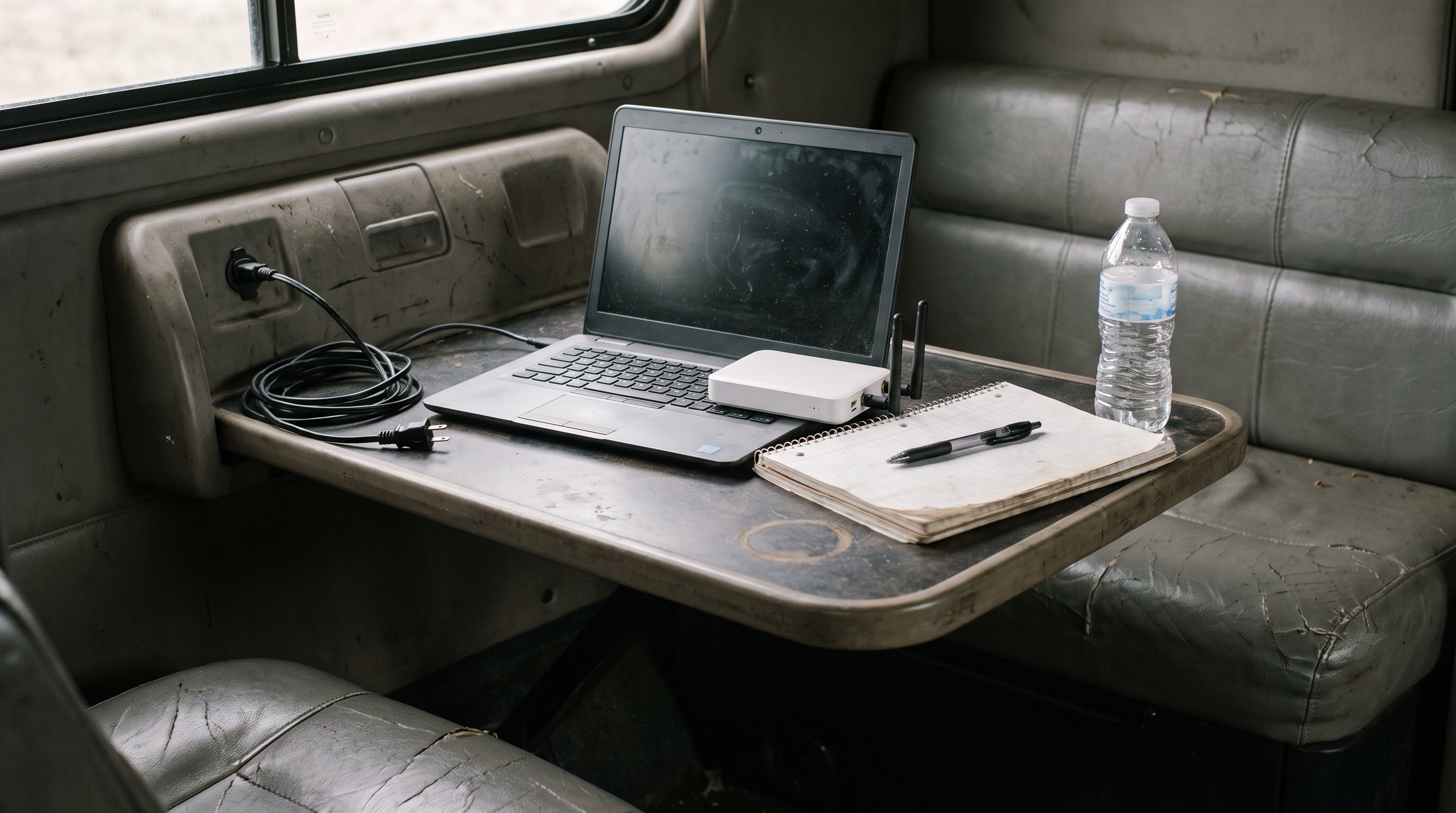
The dedicated cellular router is the option most drivers end up at, for a simple reason: it is the only one that keeps your phone free, runs a real WiFi network inside the cab for multiple devices, and does not require you to put hardware on the roof of a tractor you may not own.
Does Starlink work in a semi truck?
Yes, with real caveats, and anyone who tells you otherwise is selling something.
Starlink's Roam service is built for people without a fixed address, and the top Roam tier supports in-motion use. Drivers do run it. Where it genuinely wins is the mountain west, remote two-lane corridors, and job sites where cellular coverage is thin or absent. No cellular provider, including this one, beats a satellite in a place with no tower.
The caveats are the parts the affiliate roundups skip:
- You need a mount and a clear view of the sky. That is a problem in a truck stop wedged between two trailers, under a canopy, in a covered dock, or in tree cover.
- Company drivers frequently cannot drill or permanently mount anything on a tractor they do not own. Non-penetrating and magnetic mounts exist, but you are now managing hardware every time you swap trucks.
- The in-motion capable tier is the most expensive way to get internet in a truck by a wide margin, and Starlink raised prices across its Residential and Roam plans in mid-2026, applying the increase to existing customers as well as new ones. We covered a related pricing change in our post on Starlink's demand surcharge.
- There is a stow-and-go routine every single time you park or leave, unless you permanently mount it.
If your lanes are consistently in cellular dead zones and you own your truck, satellite is a legitimate answer. If you run interstates and populated corridors, you are paying a large premium and doing more work for coverage you already had.
We put our own honest side by side up at Unlimitedville vs Starlink.
Does your ELD actually need internet?
Not the way most people assume, and this is worth knowing before you buy a plan on the strength of a compliance scare.
The FMCSA allows two categories of ELD data transfer. A telematics device transfers records over web services and email and does need to reach the internet on its own. A local transfer device moves records over USB 2.0 and Bluetooth and does not. The agency's ELD data transfer FAQ spells out both paths, and it also notes that when a network limitation prevents transfer, an officer can review the ELD display or a printout instead.
So a dead zone does not automatically put you out of compliance. What a stable connection actually buys you is fewer sync gaps, faster dispatch updates, working navigation, and a phone that is not being drained as a modem all day.
Buy the connection for the life you live in the truck. The compliance argument is real but secondary.
What to look for in a trucker internet plan
Run any option you are considering against this list before you pay an activation fee.
- No data cap and no soft cap. Ask specifically what happens at 100 GB, 500 GB, and 1 TB. If the answer is a number, that is a cap.
- No fixed service address. Home internet plans from the big carriers register to an address and can restrict use away from it. That is a dealbreaker in a truck.
- 12 volt power support. Your inverter is not always on, and inverters waste power converting.
- Multiple devices on one network. You, a co-driver, a tablet, a streaming stick, and a laptop should share one connection.
- Hardware you do not have to choose. Guessing at routers, SIM cards, and APN settings is not a hobby you need.
- A real return window. You cannot know how a service performs on your lanes until you run it on your lanes.
- Coverage you can verify before you buy, not after. Check the FCC National Broadband Map for mobile coverage along your regular routes, and check the provider's own coverage tool for your home terminal and your usual reset spots.
Where Unlimitedville fits, and where it does not
Straight answer first. If your regular routes run through long stretches with no cellular signal at all, no cellular service will fix that, ours included. Satellite is the better tool for that job.
For everyone else, here is what we do differently.
Our plans are unlimited with no throttle threshold, so there is no number in the fine print waiting for you on day eighteen. Plans start at $99 per month for 4G Plus at up to 250 Mbps and $119 per month for 5G Ultra with speeds up to 500 Mbps, with a one-time $99 activation. Your rate is locked for the life of the membership.
The router is chosen and provisioned before it ships, so there is no SIM to source and no APN to configure. It runs on 12 volt DC as well as 110 volt AC, so it can run off truck power directly. It creates a private WiFi network in the cab for you and your co-driver, and it goes wherever you go, because there is no registered service address to move.
The account is not locked to a house either. The same router that works in your sleeper works at home during your time off, which is why a lot of our members stop paying two bills. More on that setup on the Trucking and OTR page.
Everything ships in 24 hours, setup takes about five minutes, and there is a 21-day money-back guarantee so you can run it on your actual lanes before you commit. Drivers describe what that has looked like for them in our member reviews.
Frequently asked questions
Is there truly unlimited internet for truck drivers?
Yes, but you have to read past the word "unlimited." Most phone plans are unlimited on the device and metered for hotspot use, with a hard throttle after the tethering allowance. A dedicated service with no throttle threshold behaves differently: speeds do not drop because of how much you have used, only because of tower conditions where you are parked.
How much data does a truck driver actually use per month?
It varies widely, but drivers who stream video in the sleeper routinely pass 200 to 500 GB per month, and heavy users with a co-driver go higher. That is why a 30 GB tethering allowance runs out so quickly, and why the throttled fallback speed matters more than the headline allowance.
Will a cellular router work better than my phone's hotspot?
Usually, yes, for three reasons. It has better antennas than a phone, it does not compete with your phone's battery and background apps, and its traffic is not drawn from your phone plan's tethering bucket. It also stays on when you take your phone into the truck stop.
Can I use T-Mobile or Verizon 5G home internet in my truck?
Those services register to a service address and are intended for use at that address. Moving the gateway around can trigger service restrictions. If you need internet in a moving vehicle and at a house, look for a service that is designed to be portable rather than one you are trying to bend.
Does internet in the cab drain my batteries?
A cellular router draws far less power than an inverter running a laptop. Look for hardware that runs on 12 volt DC directly, since converting to 110 volt AC and back wastes power. Ours runs on both.
What happens in tunnels and dead zones?
Any cellular connection drops in a tunnel or a deep valley and reconnects when signal returns. That is physics, not a defect. The real question is how much of your route is genuinely uncovered, which is why you check coverage along your lanes first and use a trial period to confirm it.
Get connected before your next reset
You already know what your current setup does in week three. If you want to see whether a no-cap cellular connection changes that, the fastest way to find out is to run it on your own lanes.
Check coverage for your home terminal and your usual stops on the coverage page, then pick a plan on the plans page. It ships in 24 hours, setup takes about five minutes, there is no contract, and the 21-day money-back guarantee means the trial is on us if it does not work where you drive.
Questions first? Call 888.422.2907.