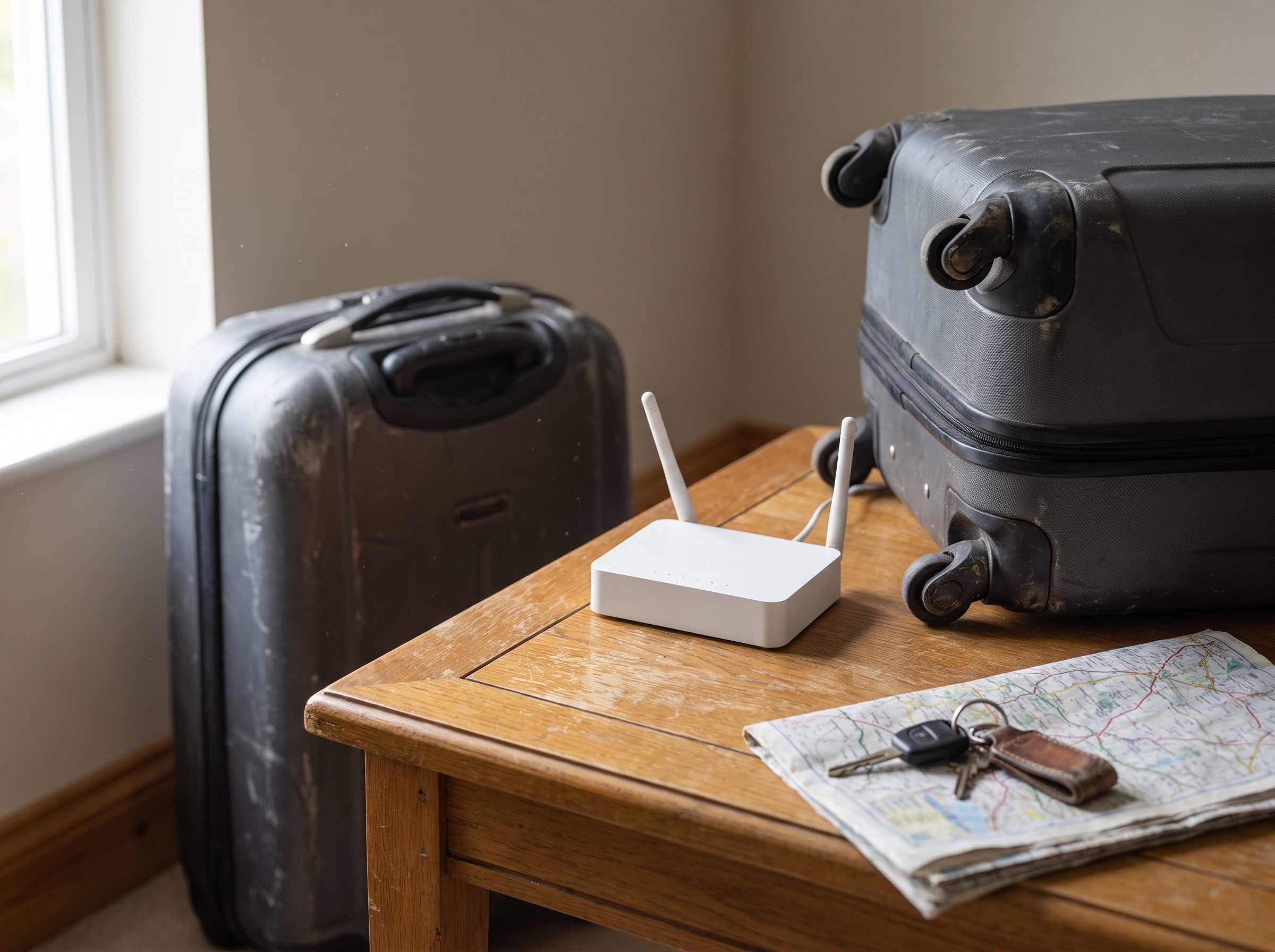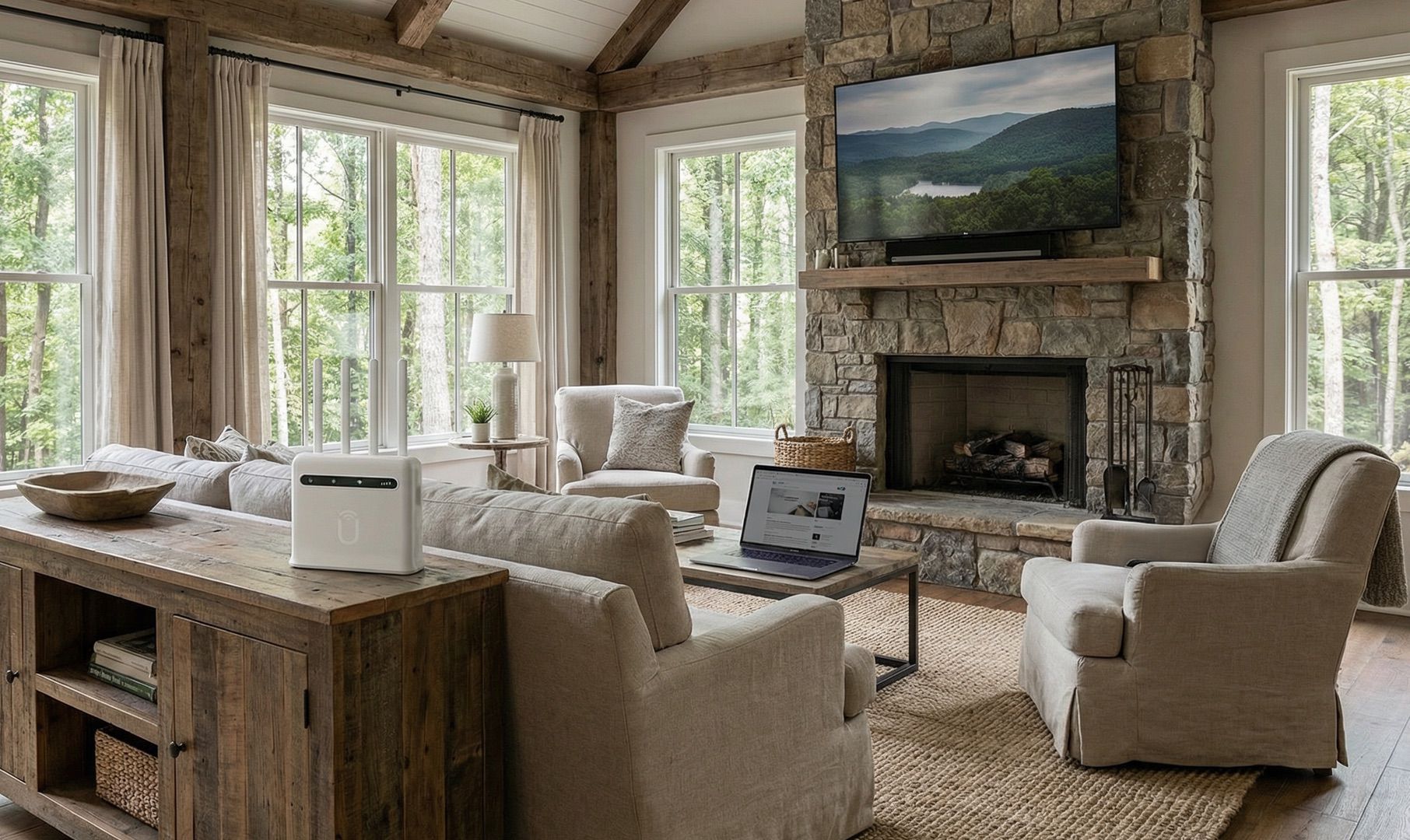
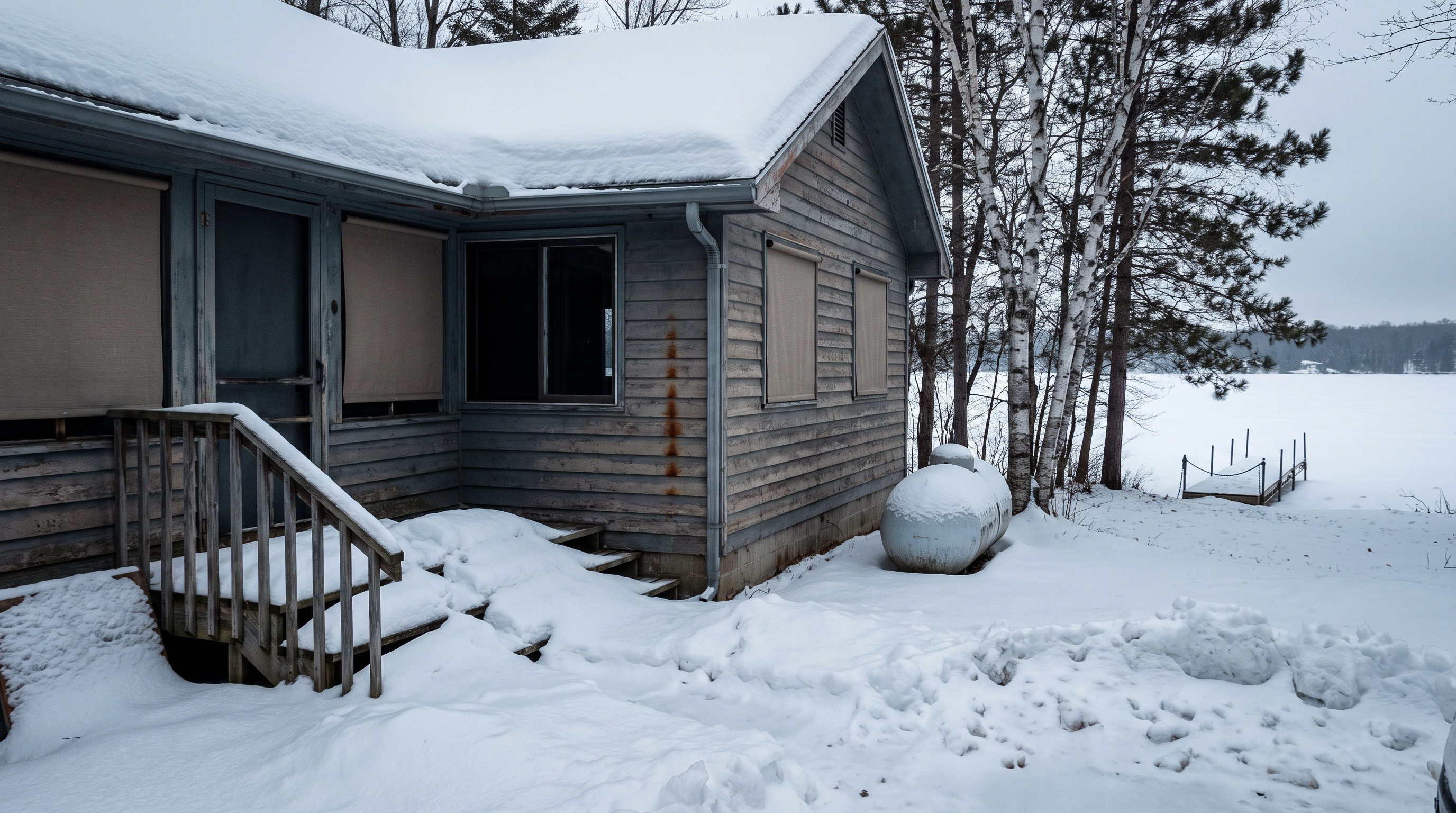
You leave the northern house in October and you come back in April. For those six months you are either paying for internet you are not using, or paying a seasonal hold fee to keep an account you are not using, or paying a second full bill down south on top of the first one. None of those feel right, and none of them are the only option.
This guide covers what snowbirds actually pay for internet at two addresses, what the seasonal hold programs really cost once you read the terms, which providers will let you physically move the equipment and which ones will shut you off for trying, and where a single portable plan makes more sense than two accounts. We will also be straight about when a portable plan is the wrong call, because it sometimes is.
The four ways snowbirds handle internet
Almost everyone ends up in one of these four camps. Here is what each one really costs over a typical six-month absence.
| Approach | What you pay while away | Total for the year | Main headache |
|---|---|---|---|
| Two full accounts | Both bills, all 12 months | Highest | You pay full price for a connection nobody is using |
| Cancel and reconnect | Nothing while away | Moderate, plus fees | Reactivation fees, possible install charge, losing your rate |
| Seasonal hold on one | A monthly hold fee, typically single digits to about $30 | Moderate | Hold fee plus a second full account at the other home |
| One portable plan | One bill, all 12 months | Lowest of the four | Only works where you have real cell signal at both addresses |
The fourth row is the one most people do not know is available, so it gets skipped. It is the rest of this article.
What seasonal hold programs actually cost
Every big wired provider has some version of a seasonal or vacation hold. The pitch is that you pay a small fee to keep your account, your equipment, and sometimes your promotional rate, and you skip the reinstall when you come back.
The pitch is mostly accurate. The fine print is where it gets annoying.
- Xfinity Seasonal Convenience Plan. Reduce services for a defined window and reactivate automatically on your return date with no installation fee. Pricing varies by region and by which services you hold. Customers have reported everything from single digits to roughly $20 to $30 per month depending on the tier, and at least one internet-only tier that used to cost $8 was discontinued. Check your own account, because the number on a forum post is not the number on your bill.
- Spectrum Seasonal Status. Minimum 30 days, maximum nine months in a rolling 12-month period. Commonly reported around $10 per month, higher in some markets.
- Cox Seasonal Program. Starts around $10 per month, minimum 30 days, maximum nine consecutive months, up to two holds per year with a 30-day gap between them.
- AT&T Vacation Hold. Roughly $5 to $7 per month per service depending on state, minimum two months, maximum nine months, and you get two holds per 12 months.
Add it up honestly. A six-month hold at $10 per month is $60. That is not nothing, but it is not the real cost either. The real cost is that you are paying that $60 on top of a second full internet account at your winter place, which is the part that stings.
Can you just take your home internet with you?
This is the question that decides everything, and the answer depends entirely on who your provider is. Wired internet obviously cannot move. But a lot of snowbirds now have 5G home internet and assume the little gateway box can just ride along in the car. Usually it cannot, at least not without permission.
| Provider | Can the equipment move? | What the policy says |
|---|---|---|
| T-Mobile Home Internet | Only with an address change | Service is approved at a single eligible address. You can take the gateway to a new address, but you have to update your broadband address or call first, and the new address has to qualify. Transfers are free. |
| Verizon 5G Home | Only with authorization | Equipment is for use at your service address. Verizon requires address requalification, and says unauthorized relocation may result in interruption or termination of service. |
| Starlink Residential | Yes, with a service address change | You can change your service address, but see the surcharge section below before you do. |
| Starlink Roam | Yes, that is the point | Built for travel, priced accordingly, with data tiers and international time limits. |
| Cable or fiber | No | The line is in the ground. |
The pattern is clear. The 5G home internet products from the big carriers are address-locked by design, because the carrier is managing tower capacity at a specific location. You can move, but you are asking permission each time, the new address has to qualify, and you are doing that twice a year for the rest of your snowbird life.
If your northern address qualifies and your southern address does not, or vice versa, the whole plan falls apart in a phone call.
The Starlink standby trap for seasonal users
A lot of snowbirds landed on Starlink specifically because it seemed portable, and then parked it on Standby Mode over the summer. Two changes in 2026 made that math worse.
Standby Mode doubled in price. It went from $5 per month to $10 per month, effective June 18, 2026, alongside broader Roam and Residential increases.
Standby Mode stopped protecting you from the demand surcharge. When Standby launched, going into Standby and coming back out did not expose you to a new one-time demand surcharge. As of April 2026, Starlink's own documentation says Standby only preserves prior eligibility. In plain terms, if you never paid a demand surcharge at that address, one can now apply when you resume Residential service. In some markets that fee has run as high as $1,500.
Moving your service address can trigger the surcharge too. Starlink's demand surcharge FAQ now states the fee can apply when moving between service addresses, and that moves between high-demand areas may result in a prorated surcharge.
Put those together and the seasonal Starlink pattern, park it in spring, resume it in fall, change the address twice a year, is exactly the pattern most exposed to a surprise four-figure charge. We covered the mechanics of that fee in more detail in Starlink's $1,500 demand surcharge.
To be fair to Starlink: if your winter site is a remote desert boondocking spot with no cell signal at all, Starlink is still the right answer and probably the only one. That has not changed. But most snowbird destinations are not that. Florida RV resorts, Arizona and Texas parks, coastal Carolina towns, and Gulf Coast communities generally have decent cellular coverage, because that is where a large number of people spend the winter.
Option four: one plan that travels with you
There is a category of service built for exactly this problem. It runs on 4G LTE and 5G cell towers, the same ones your phone uses, but the hardware is a router configured and provisioned for you before it ships. It is not tied to a service address, so it works at the northern house in summer and the southern place in winter without a phone call, a requalification, or a move fee.
The practical differences for a snowbird are worth spelling out.
- One bill, twelve months. No hold fee at one address plus a full bill at the other. One account that follows you.
- No address lock. You are not asking permission to plug your own equipment in somewhere else. Pack it, drive, plug it in.
- No install appointment at either end. Nothing gets mounted, aimed, drilled, or trenched. You plug the router into an outlet and connect your devices.
- No data caps to ration. Streaming through a long winter evening does not put you into a throttled tier.
- Predictable price. With Unlimitedville, plans are month to month with a price lock, so the rate you sign up at is the rate you keep.
Unlimitedville's current plans are 4G Plus at $99 per month with speeds up to 250 Mbps, and 5G Ultra at $119 per month with speeds up to 500 Mbps, both with unlimited data and a one-time $99 activation. Equipment stays company property for the life of the membership, which is why there is no hardware to buy and nothing to resell when you stop.

When a portable plan is the wrong answer
Being honest here is more useful than a sales pitch, so here are the situations where this does not work.
You have no usable cell signal at one of your two addresses. This is the dealbreaker. Cellular home internet needs a tower it can reach. If your winter place is deep in a canyon, far off any highway, or in one of the genuine dead zones that still exist, satellite is the answer and you should stop reading. You can sanity-check coverage claims in your area against the FCC's National Broadband Map, then confirm with your own phone on site.
You already have cheap, fast fiber at one address and only need the other one solved. If your northern home has symmetrical gigabit fiber for $60, keeping it and putting it on seasonal hold is reasonable. In that case the portable plan solves the winter address, not both.
You need guaranteed low latency for competitive gaming or a hard-SLA work setup. Cellular latency is usually in the 20 to 60 ms range and perfectly fine for video calls, streaming, and most gaming. But it varies with tower distance and congestion in a way that wired fiber does not. If milliseconds are contractual for you, plan accordingly.
You are the only household on a rural tower that already crawls at 6 pm. Cellular is a shared medium too. Local congestion is real. This is exactly what a trial period is for.
How to check before you commit
You do not have to guess at any of this. Fifteen minutes of homework answers most of it.
- Test cell signal at both addresses. Stand where the router would live at each place, run a free speed test on your phone, and write down the result and the bar count. Do it in the evening, when the tower is busiest, not at 10 am.
- Call your current provider and get the hold fee in writing. Ask for the monthly amount, the minimum and maximum duration, whether your promotional rate survives the hold, and whether there is a reconnect charge. Get the number for your account, not the number from a forum.
- Price the full year both ways. Twelve months of one portable plan versus six months of hold fee plus twelve months of a second account. Write both numbers down. The gap is usually larger than people expect.
- Check whether your 5G gateway can legally move. If you have T-Mobile or Verizon home internet, confirm that both addresses qualify before you assume you can just carry the box south.
- If you are on Starlink, read the confirmation screen carefully before approving a service address change or resuming from Standby. That click is where a demand surcharge appears.
- Use a trial window. Test at your real address, under your real usage, before you are committed to anything.

What to do in the next few weeks
If you leave in October or November, the useful window is right now. Coverage testing takes a week if you want an evening reading at both addresses. Calling your current provider about a hold takes one call. Ordering and testing a portable plan takes a few days, since equipment ships in 24 hours and setup runs about five minutes.
Doing this in September means you arrive at the winter place with a working connection instead of spending your first week down south on hold with a call center.
FAQ
Can I use my T-Mobile or Verizon home internet at my winter address?
Not without telling them first. Both services are approved for a single address. T-Mobile lets you take the gateway to a new address after you update your broadband address or call to set up the change, and there is no transfer cost, but the new address has to be eligible. Verizon requires authorization and address requalification, and says unauthorized relocation may result in service interruption or termination. Neither is designed for moving back and forth twice a year.
Is a seasonal hold worth it?
It is worth it when you have one address, you are gone for two to nine months, and reconnecting later would cost you an install fee or your promotional rate. It is a worse deal when you are also paying a full second bill somewhere else, because then the hold fee is an extra cost layered on top of a duplicate you already did not need.
What happens to my Starlink if I pause it for the summer?
Standby Mode keeps the account alive at $10 per month as of June 2026, up from $5. The important change is that Standby no longer waives a demand surcharge. It only preserves eligibility you already had. If you never paid a surcharge at that address, resuming Residential service can now trigger one, up to $1,500 in some markets. Read the confirmation screen before you click.
Do I need two routers for two homes?
No. That is the point of a portable plan. One router, one account, and you carry it. If you split time between a house and an RV, the same equipment covers both.
Will cellular internet handle streaming and video calls for two people?
In most locations with a decent signal, yes. Unlimitedville plans deliver up to 250 Mbps on 4G Plus and up to 500 Mbps on 5G Ultra with unlimited data and no throttling, which covers streaming, video calls, and normal household use. Actual speed depends on your distance from the tower and local congestion, which is why testing at your address matters more than any advertised number.
What if it does not work at my winter place?
Then you send it back. Unlimitedville includes a 21-day money-back guarantee on every plan, so you can test at your real address under real conditions and return the router for a refund if it does not deliver.
Stop paying twice for one connection
The snowbird internet problem is really a portability problem. Wired providers solve it with a hold fee. The carriers' 5G home products solve it with a permission slip. Satellite solves it, but the seasonal on-off pattern is now the pattern most likely to trigger a surprise fee.
A plan that is not tied to an address does not have the problem in the first place.
Check whether you have workable coverage at both of your addresses, then look at Unlimitedville's plans and run a coverage check for each one. Equipment ships in 24 hours, setup takes about five minutes with no technician and no mounting, and every plan carries a 21-day money-back guarantee. If you want a person to walk through both addresses with you, call 888.422.2907.
If you travel more than you stay put, our RV and van life page covers the full-time version of this. If your northern place is the one with bad service year round, start with rural home internet.